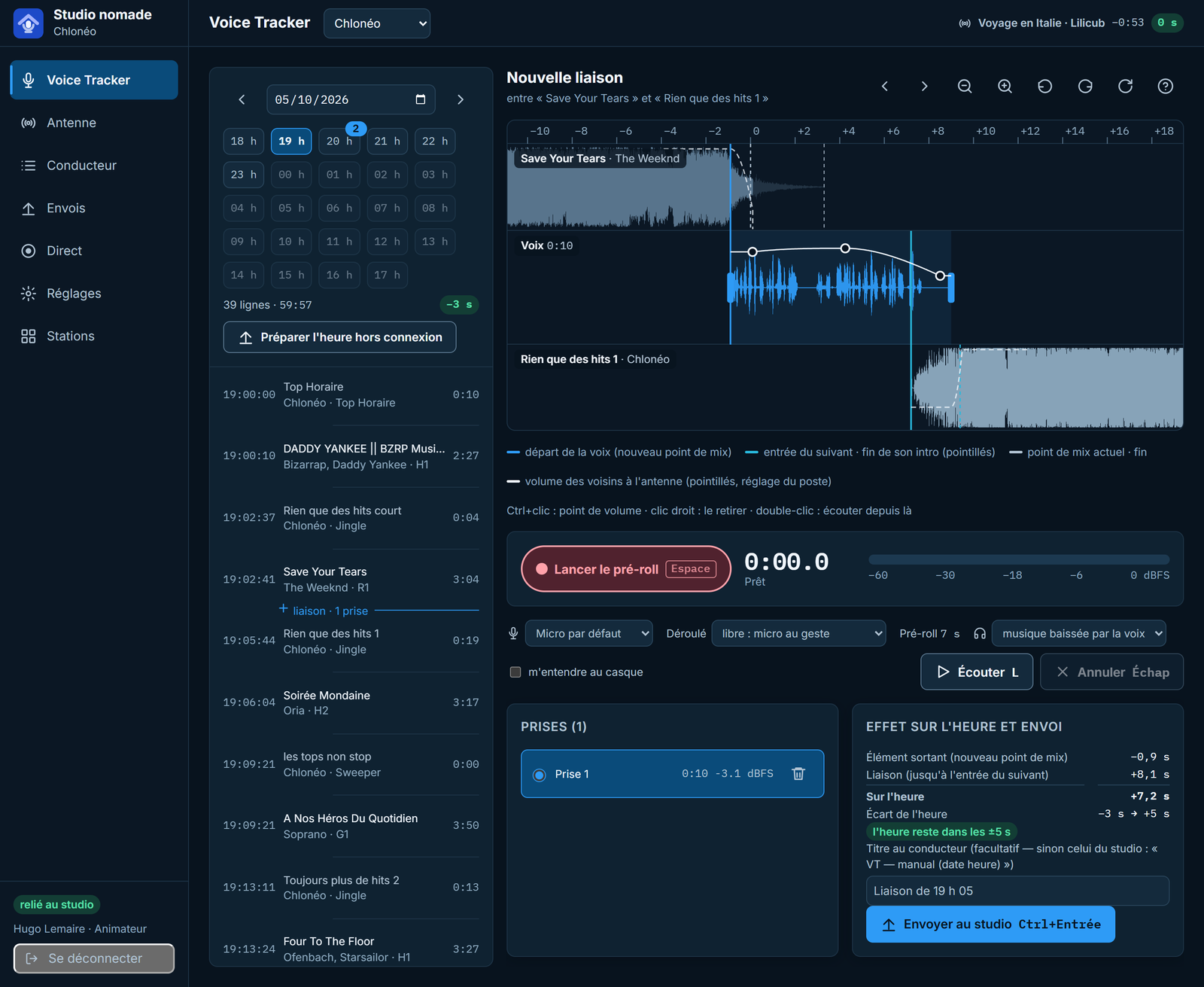
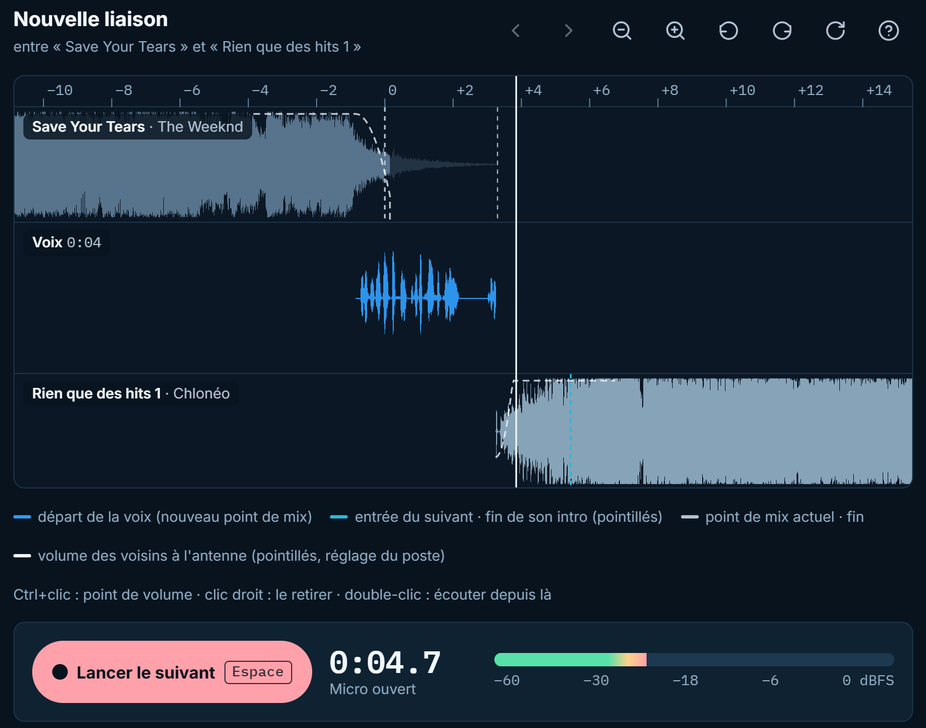
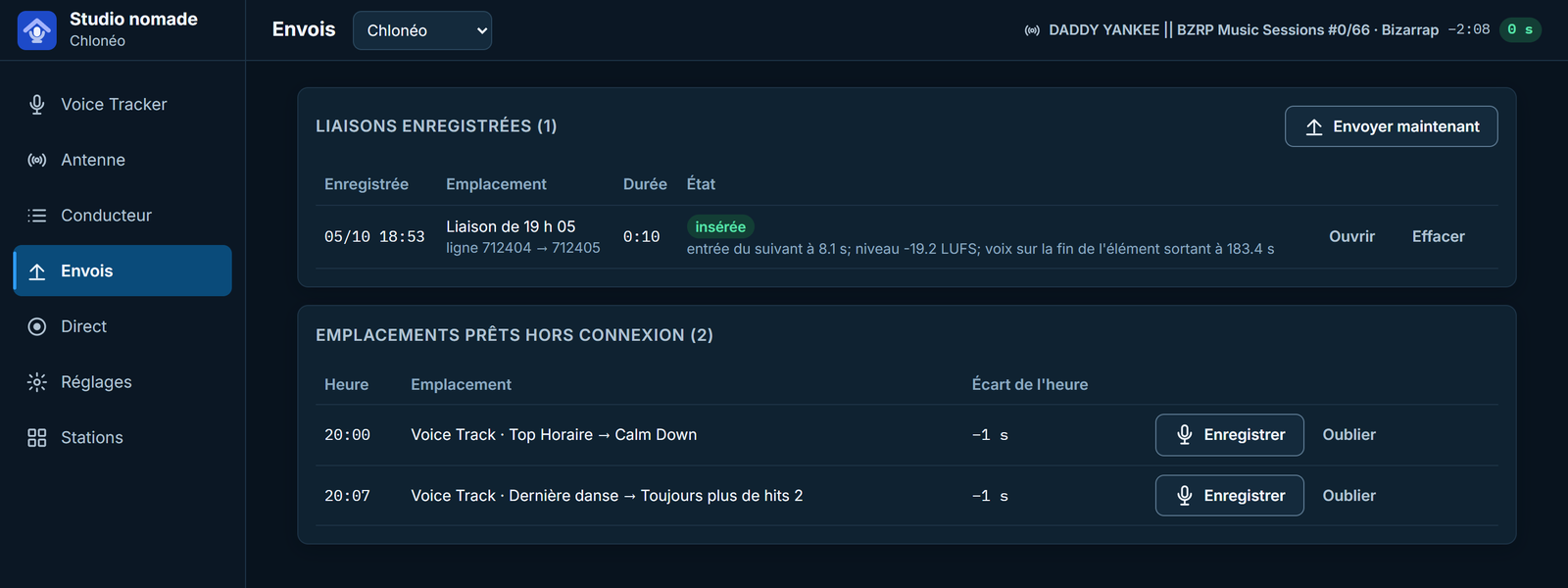
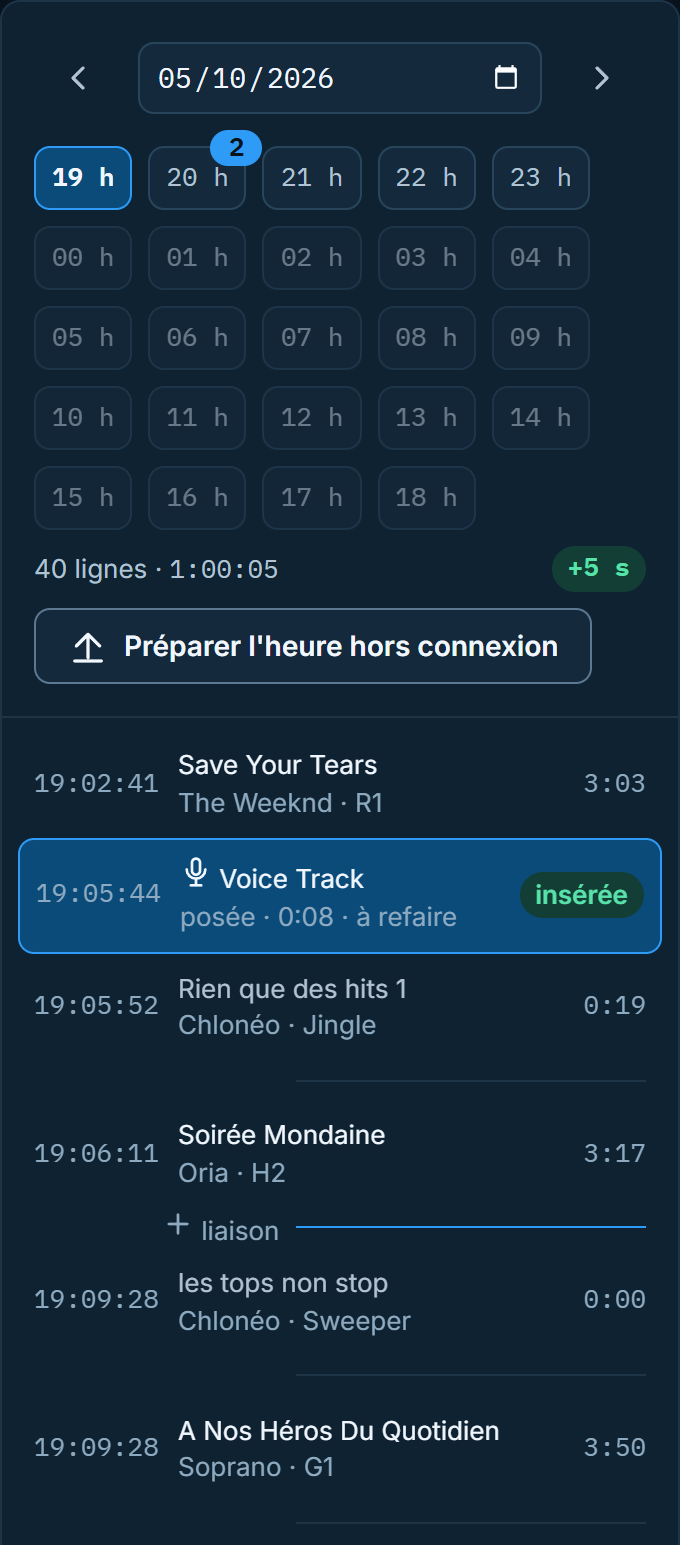
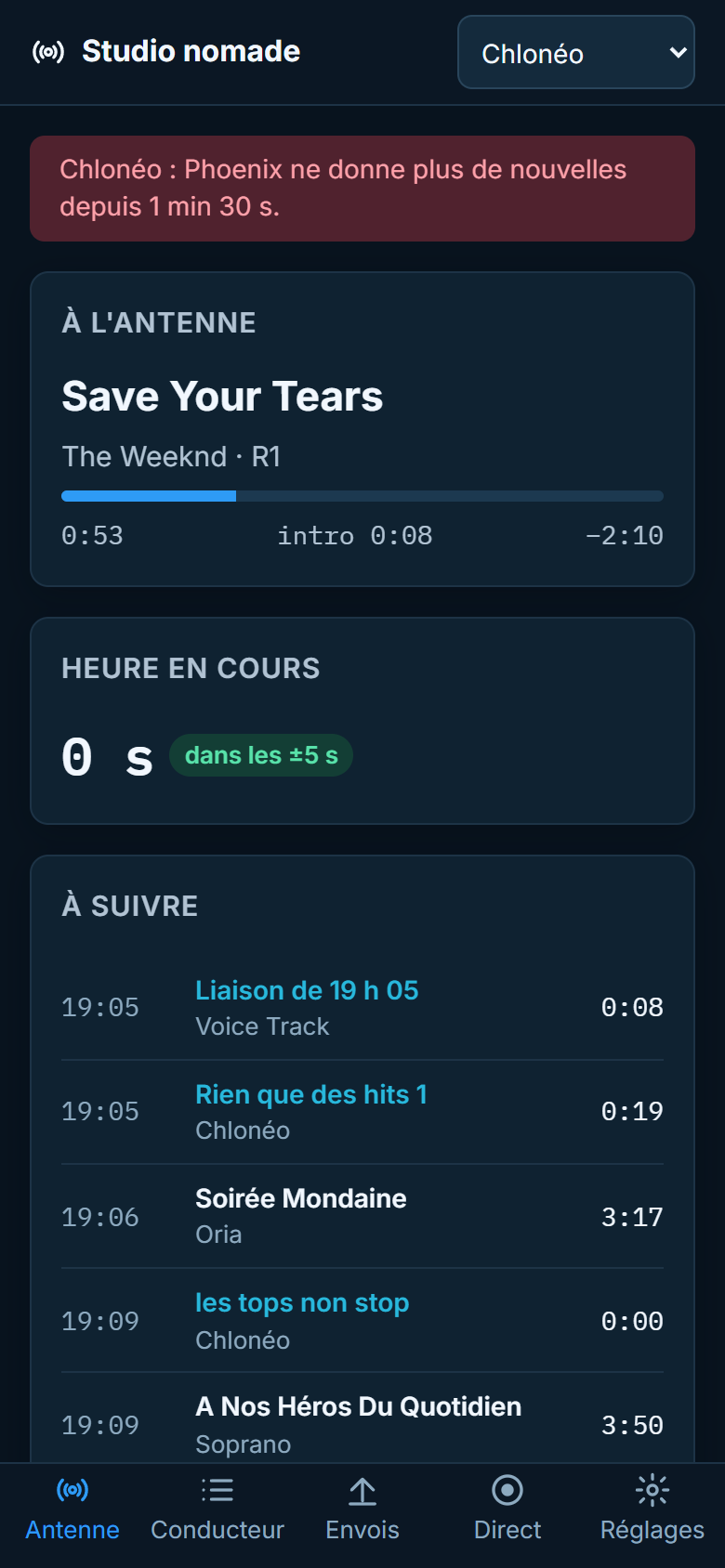
Your presenters record their voice tracks on their own computer, in the browser, with the same moves as in the studio: the end of the outgoing song in the headphones, the microphone, the next item. Every voice track reaches the Phoenix playlist ready for air. And the station can be monitored from a phone.
The studio remains the heart of the station; the Remote Voice Tracker opens it to those who are not there.
They prepare their voice tracks the evening before or that same morning, headphones on, on their own computer. Same slots, same moves, same result as in the studio: no more trips just to record.
On assignment, at a trade show, on holiday: the hour is prepared in advance and recorded even without a connection. Voice tracks are sent on their own as soon as the connection returns.
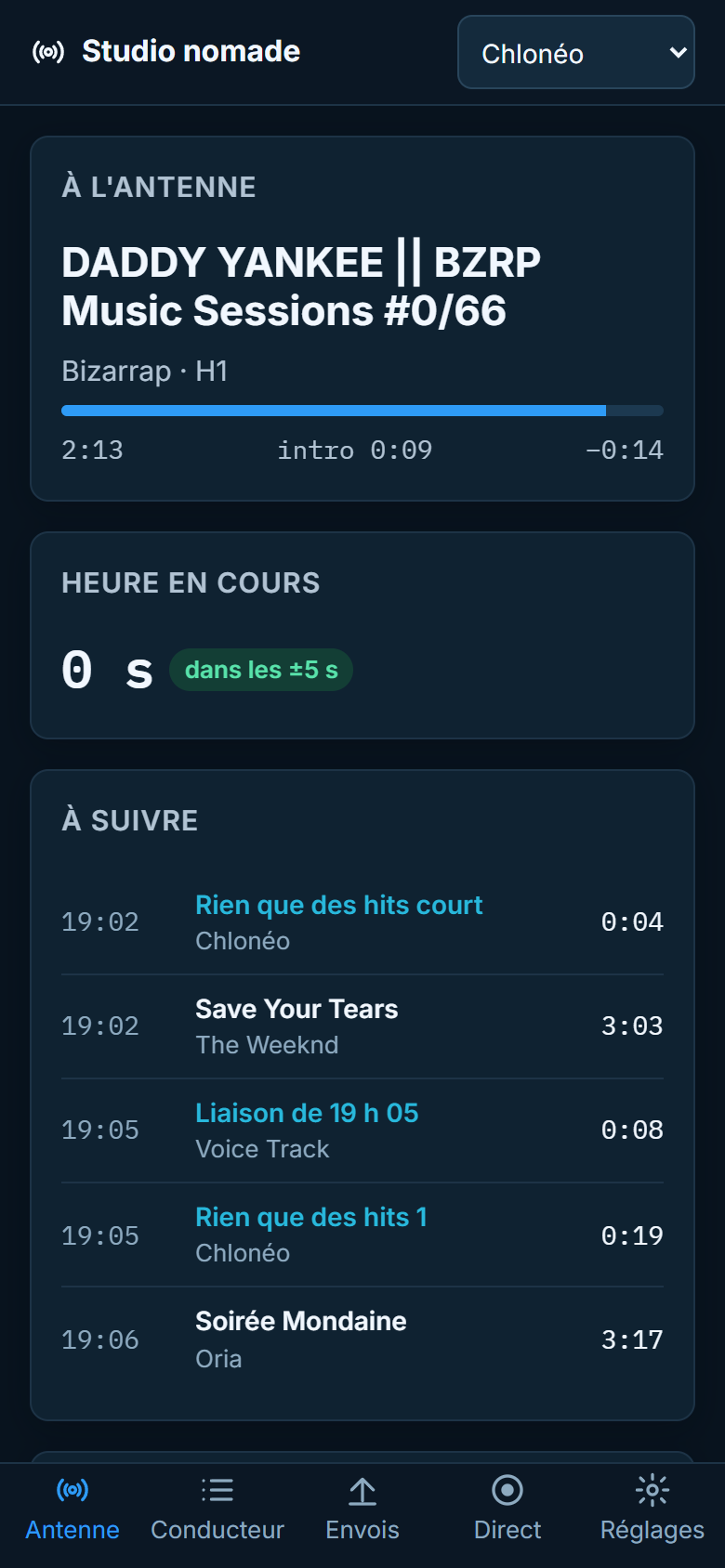
They follow the station from their phone, receive studio alerts and see all their stations at a glance. Permissions are granted person by person, station by station.
On a computer, a complete workstation; on a phone, on-air monitoring. Chrome, Edge, Firefox or Safari: nothing to install.
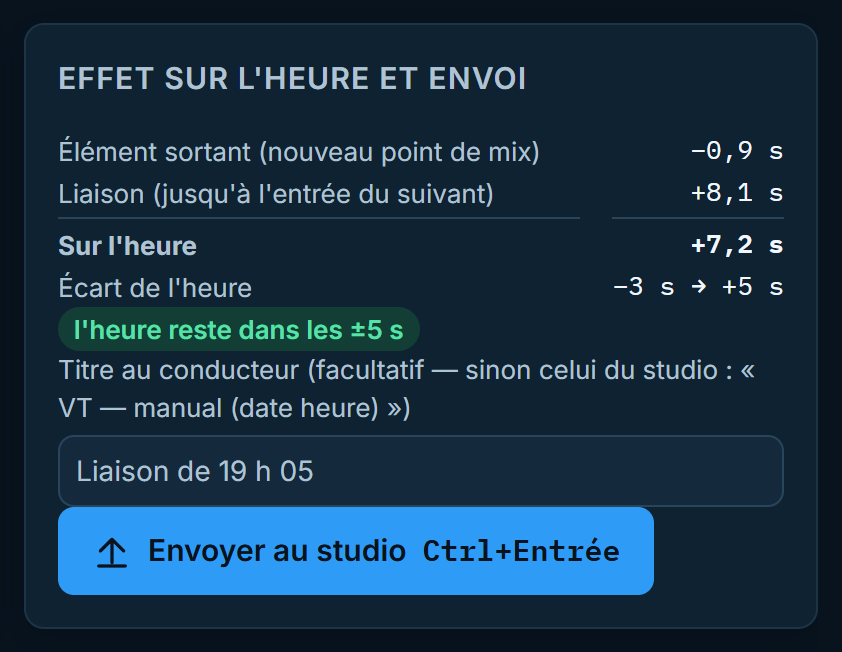
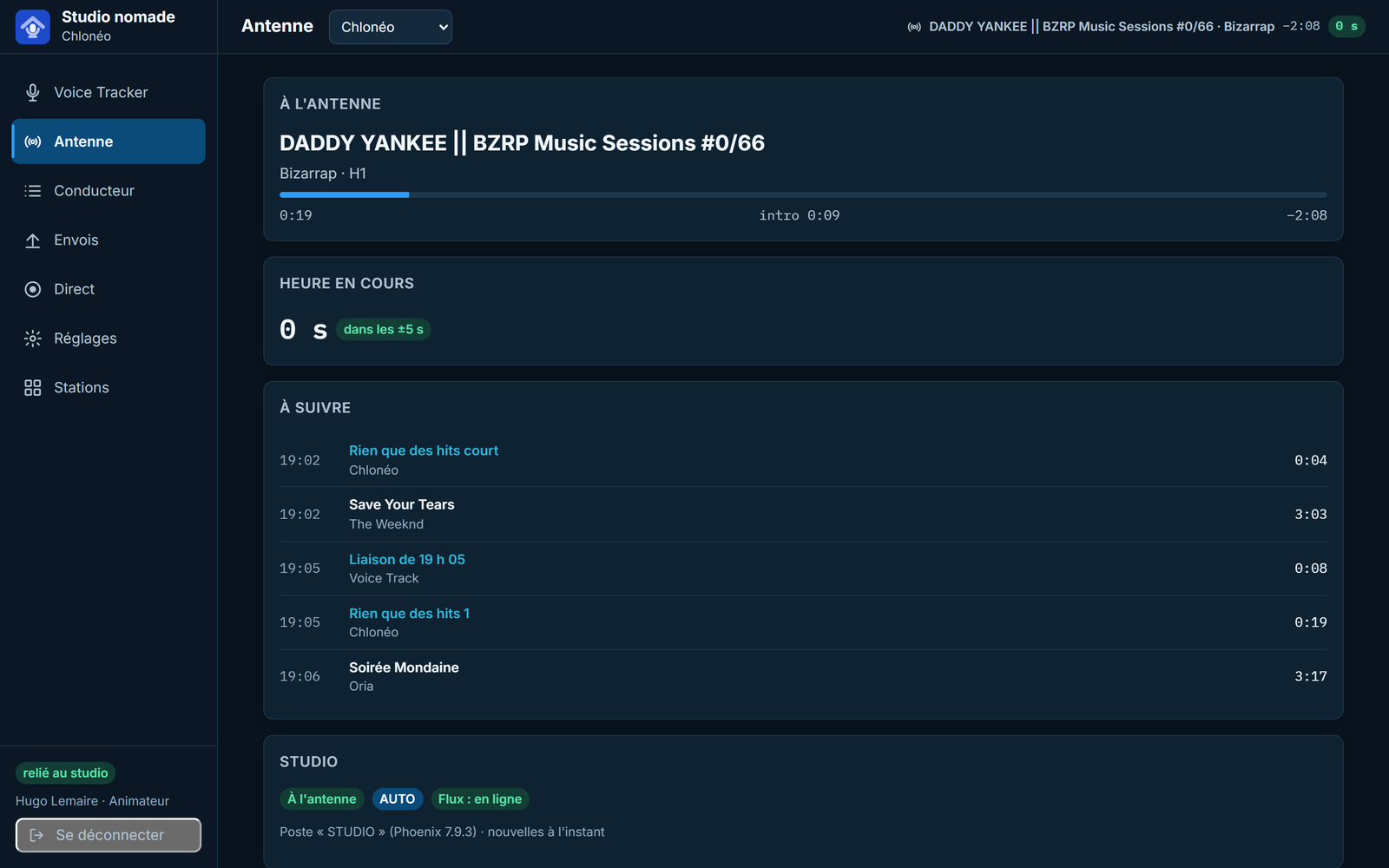
Screenshots of the actual application (French interface), taken on a demonstration copy of Chlonéo's playlist.
The voice track follows the same path as one recorded in the studio.
The day, the hour (upcoming hours first), then the slot: a planned “Voice Track”, a voice track to redo, or a new one between two items.
The end of the outgoing song in the headphones, the microphone on cue or at the mix point, the next item started under the voice. Several takes, kept even if the page is closed.
Slide the voice over the end of the song, bring the next item in earlier, trim, add volume points. The effect on the hour updates with every edit.
The voice track enters the playlist like one recorded in the studio: silences removed, level matched to the music. If the slot has changed in the meantime, it waits to be placed again — never inserted blindly.
The same access lets you monitor the air, edit the playlist and go live.
Song on air, gap to the next top of the hour, the computer holding the air. Silent studio, playout stopped, hour drifting, stream down: the alert reaches the phone and your inbox, followed by the all-clear.
The presenter's microphone reaches the studio console after a guided connection test. If the connection weakens, the voice fades out and the automation takes the air back on its own.
Move, remove or insert a song, exactly as the Phoenix operator would. Several stations: pick one from the list, or see them all at a glance.
The on-air computer is never exposed to the Internet: the studio calls out, not the other way round.
The on-air computer only makes outgoing connections to a relay hosted by Chloneo, one per customer. No port forwarding, no access to the computer from outside.
Phoenix credentials, then a 6-digit code or a passkey. Lockout after repeated failures, protected sessions, encrypted secrets.
Management, presenter, programming or read-only, granted in Phoenix and limited to certain stations if needed.
Skipping to the next item, firing a cart or resuming automation requires an armed live session with fresh authentication. No keyboard shortcut controls the air, and a command that arrives too late is ignored.
Every edit checks that the playlist has not moved; otherwise it is refused, and the voice track waits to be placed again.
Audit log on the relay and in Phoenix: who, what, from where, with what outcome. Every file is checked by its fingerprint at each step.
The Remote Voice Tracker is added to Phoenix Pro, per station. It builds on the studio Voice Tracker, included from the Standard edition, and on the relay hosted by Chloneo.